
Mark Mark
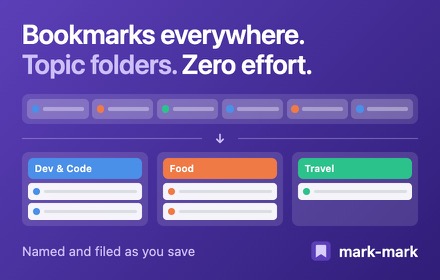
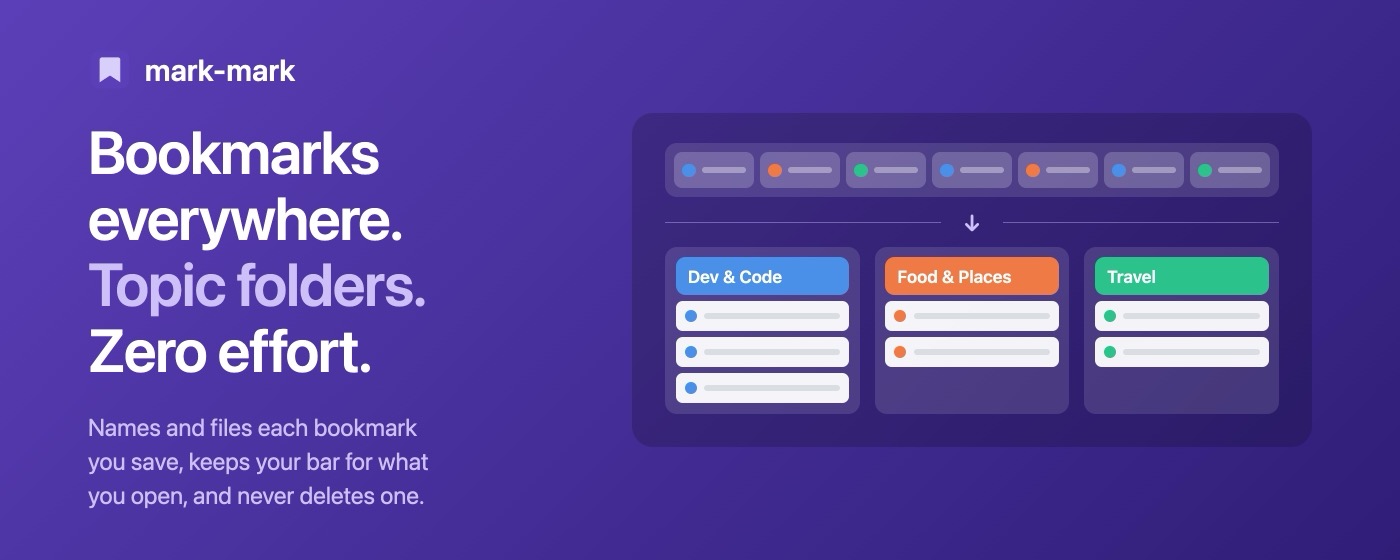
Mark Mark renames your bookmarks and files them into topic folders, then cleans out duplicates and dead links. It is for people with messy, years-old bookmarks.
- Price
- Free. No account, no server.
- Works in
- Chrome only
- Version
- 0.4.2, updated 17 November 2026
What it does
Files bookmarks into 15 topic folders
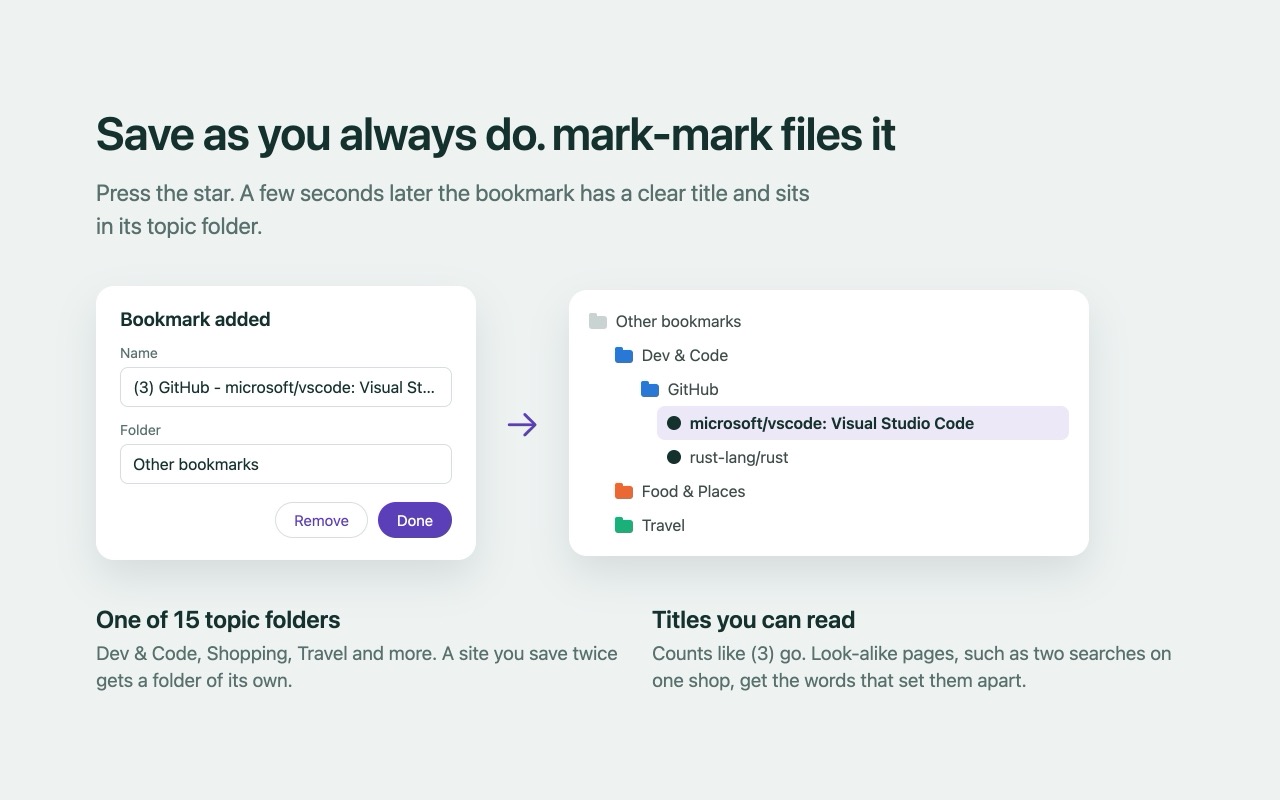
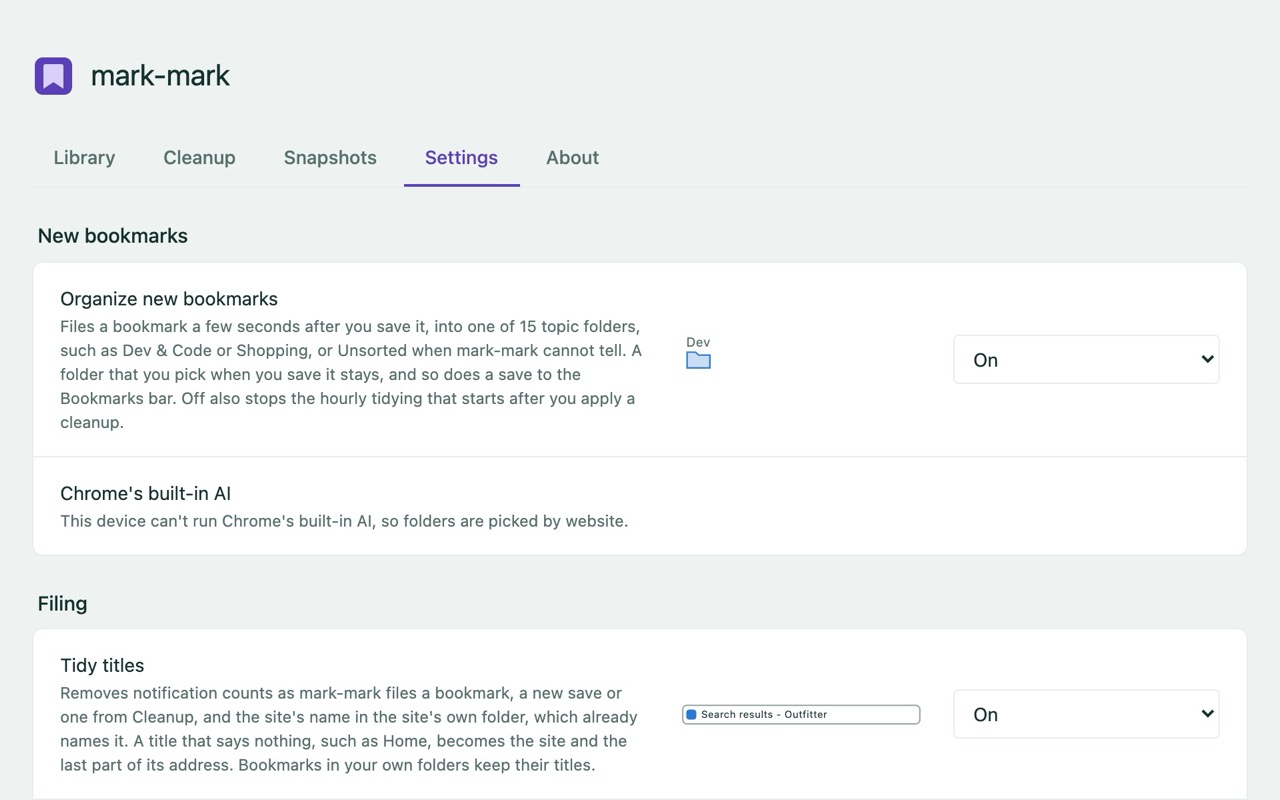
Such as Dev & Code, Shopping or Travel. Save a bookmark as you always do; a few seconds later it has a clear title and a folder.
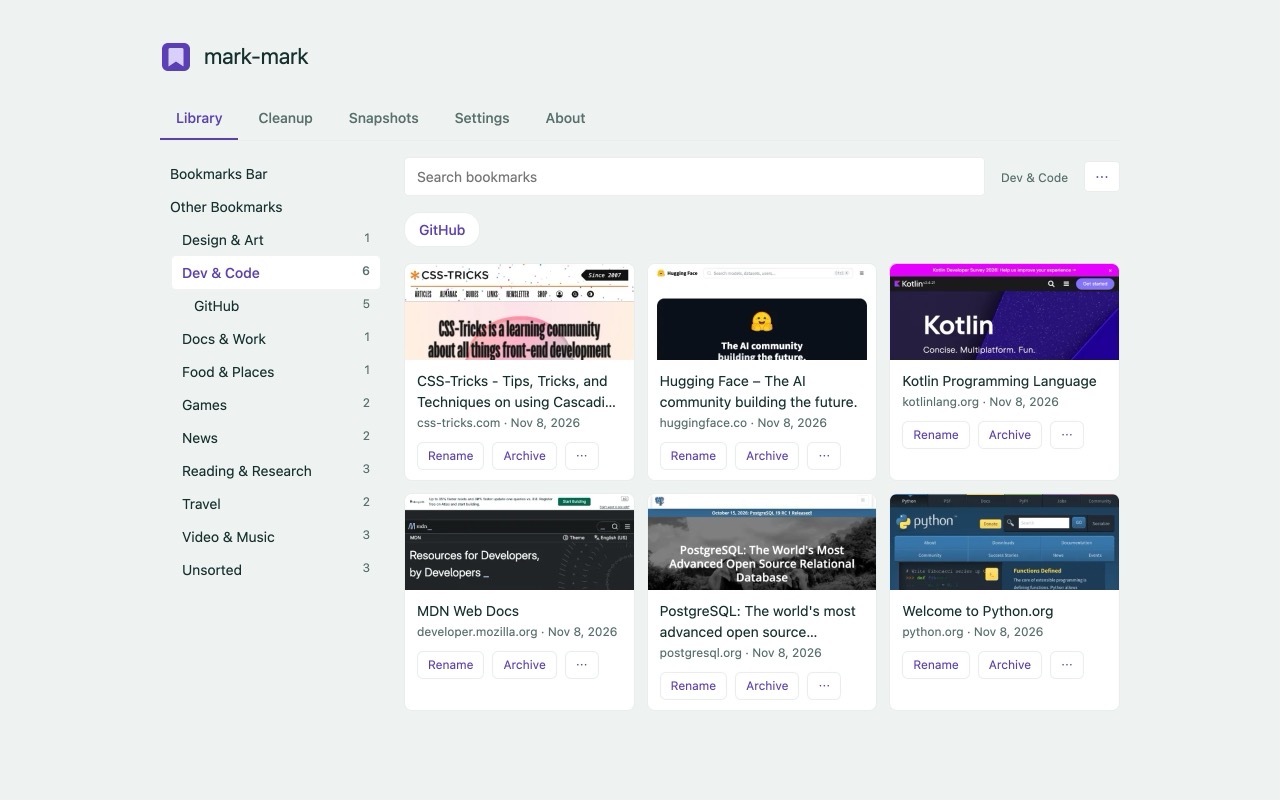
A visual Library
A picture of each bookmarked page, so you can find a bookmark without opening it.
A Cleanup tab
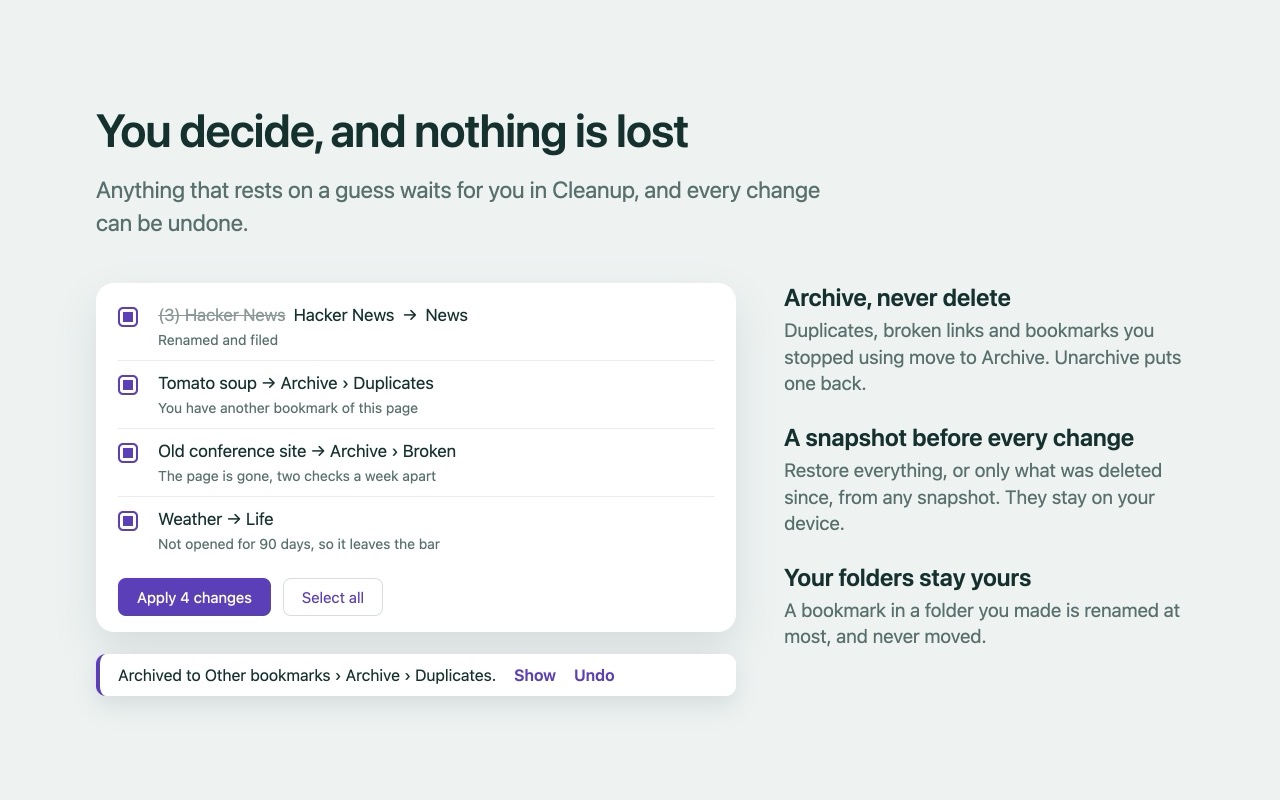
Shows every change before it happens, and you choose which to apply.
Archives, never deletes
Duplicates, broken links and unused bookmarks move to an Archive folder, where you can open them, unarchive them, or delete them yourself.
Snapshots you can restore
Taken on install, before each cleanup and restore, and hourly when something changed. Restore everything, or download one as a bookmarks file.
Cleaner titles
Removes counts such as (3), and gives look-alike bookmarks names that tell them apart.
What it looks like
Chrome's built-in AI, optional
On devices that support it, Mark Mark uses Chrome's built-in AI to pick better folders. The AI sees only each bookmark's title and address, and it runs on your device. Chrome downloads the model, a few GB, only when you click Download. If a topic is unclear, the bookmark waits in Unsorted.
Without the AI, Mark Mark still sorts by website, using a built-in classification of about 900,000 sites.
What it will not do
- No sync, no backup. Mark Mark does not sync or back up your bookmarks.
- It cannot recover bookmarks lost before you installed it. Its snapshots start at install.
- No drag-and-drop editor. It organizes for you; it is not a manual bookmark manager.
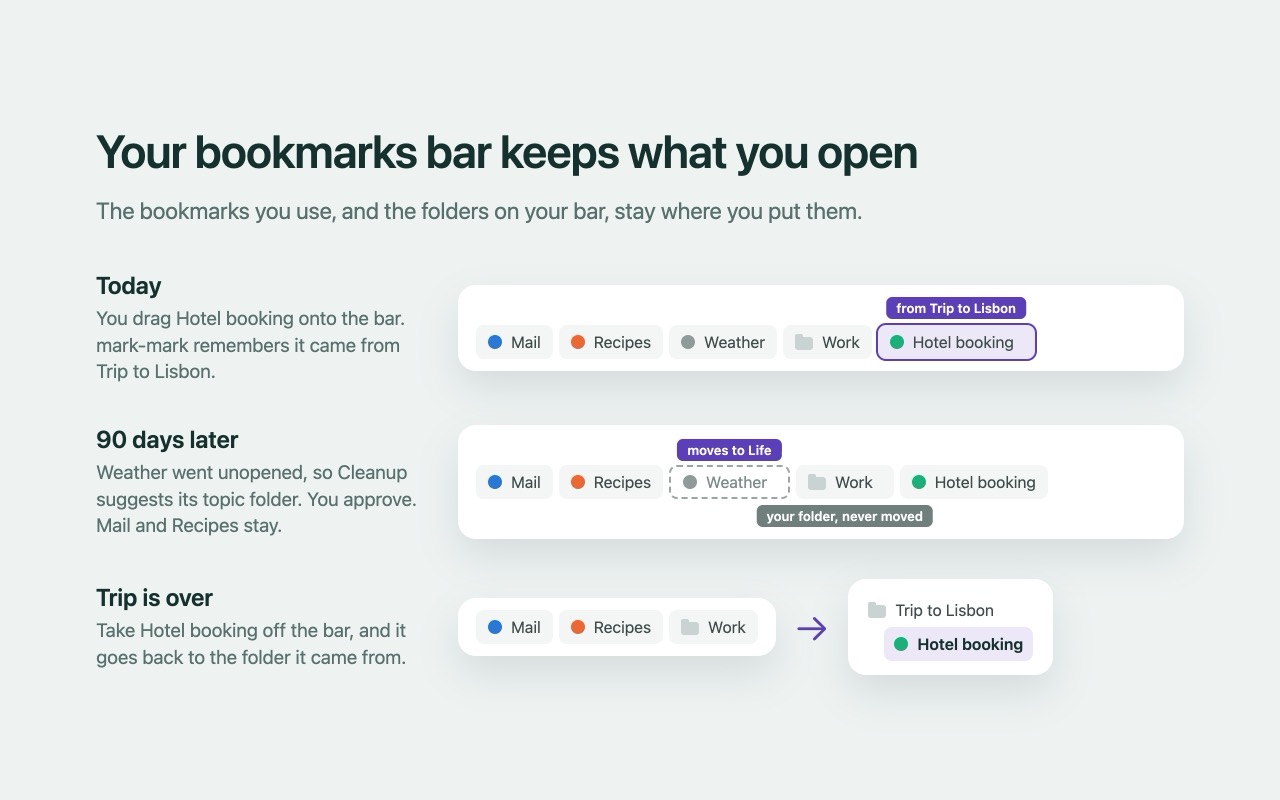
- It never moves or renames a bookmark in a folder you made yourself, and it never deletes a bookmark.
- Anything that rests on a guess waits for your approval in the Cleanup tab.
Privacy in short
- No servers, no account, no analytics, no telemetry. Mark Mark sends nothing to the developer or to anyone else.
- Its only network requests go to your own bookmarked addresses (for broken-link checks and page information) and to the share images those pages name.
- Your settings sync through your own Chrome account. Page pictures, snapshots and the rest are stored in the extension on your device.
- Pictures, page metadata and link checks each have a setting you can turn off.
Why it asks for these permissions
- bookmarks: it reads and writes your bookmark tree to rename, file, archive and restore.
- favicon: icons come from Chrome's local cache.
- storage: your settings (and a random device id) go in your Chrome sync; titles, folders and AI topics stay in local storage.
- unlimitedStorage: so Chrome does not evict pictures and snapshots. Pictures are capped at 500MB.
- alarms: a few link checks and share-image fetches per minute, and an hourly pass that archives sure cases (broken links and duplicates, in its own folders).
- offscreen: to parse a bookmarked page's HTML for its share image.
- webRequest: observe only (redirects and errors). It never blocks or changes a request.
- Access to all sites: a bookmark can point anywhere. It is used to take a picture when you visit a bookmarked page, to fetch share images, and to check those addresses for broken or moved pages. It only fetches your bookmarked addresses and the share images they name, never a logout or unsubscribe link, and it never changes a page.
The full account of what it reads and stores is in the privacy policy.
Get Mark Mark
Free, no account, Chrome only. Version 0.4.2, updated 17 November 2026.
Also from Small Chrome Tools: Tap Tap, for tabs.