
Tap Tap
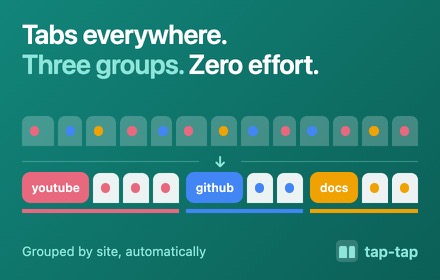
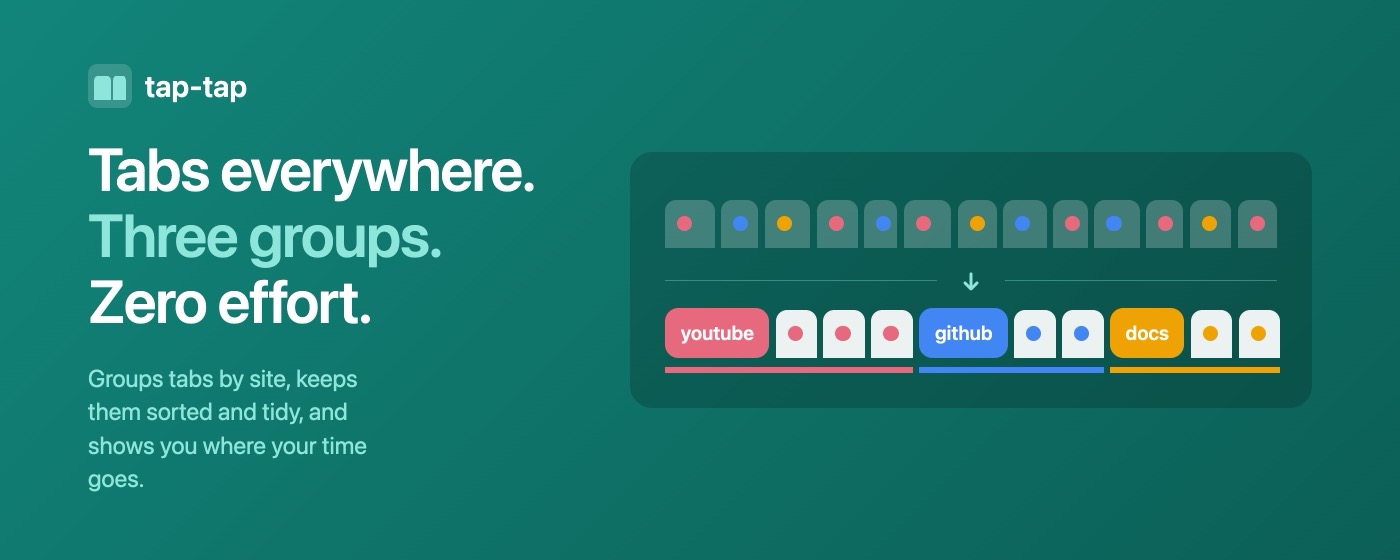
Tap Tap groups your tabs by site and keeps the tab strip short. It is for people with too many tabs.
- Price
- Free. No account, no subscription.
- Works in
- Chrome only
- Version
- 2.5.2, updated 17 November 2026
What it does
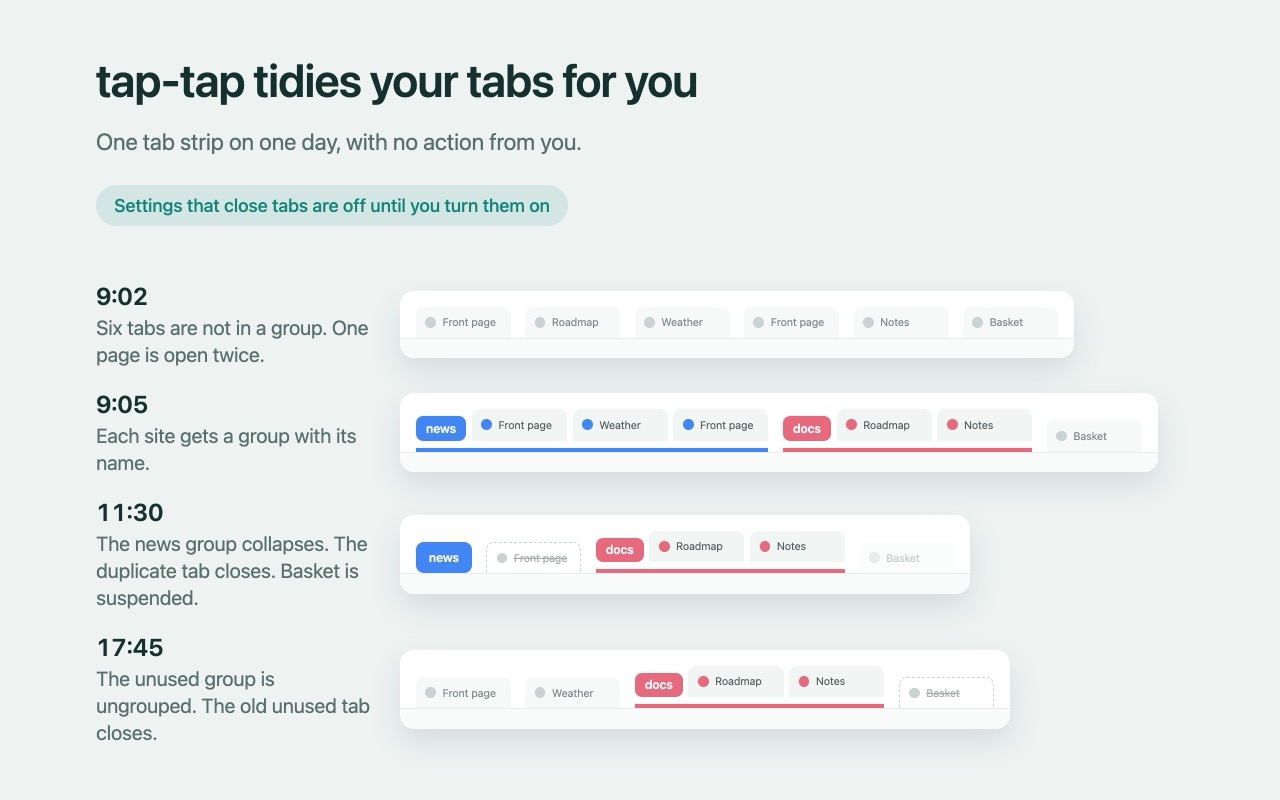
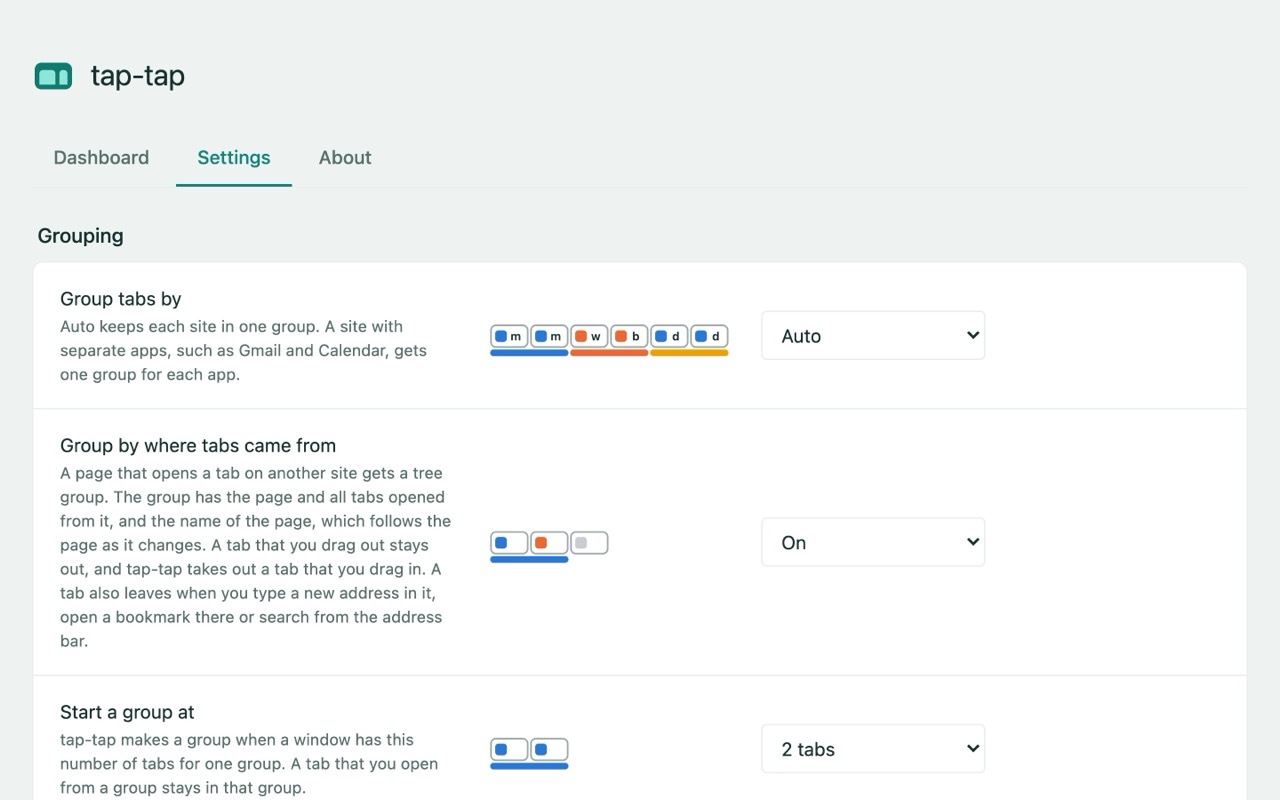
Groups tabs by site
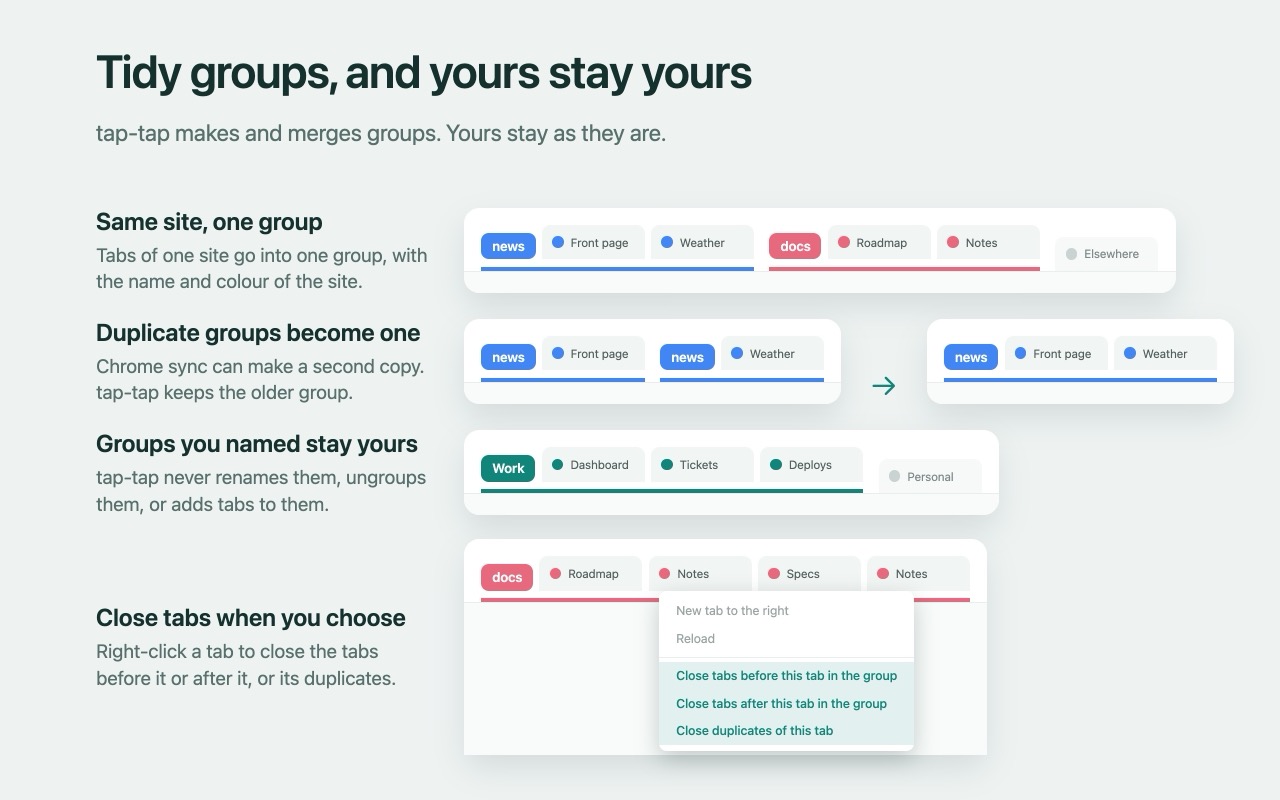
One group per site, with the same name and colour each time. A tab that goes to another site leaves the group.
Groups a page with the tabs opened from it
Optional. A page and the tabs you open from it go into one group, named after the page.
Merges, collapses, sorts
Merges duplicate groups that Chrome sync creates, collapses groups you have not used for a while, and sorts groups and tabs by name, age, size or time used.
Closes duplicates, suspends, auto-closes
All optional and off until you turn them on. Tap Tap never touches pinned tabs, tabs that play sound, or the tab you are looking at.
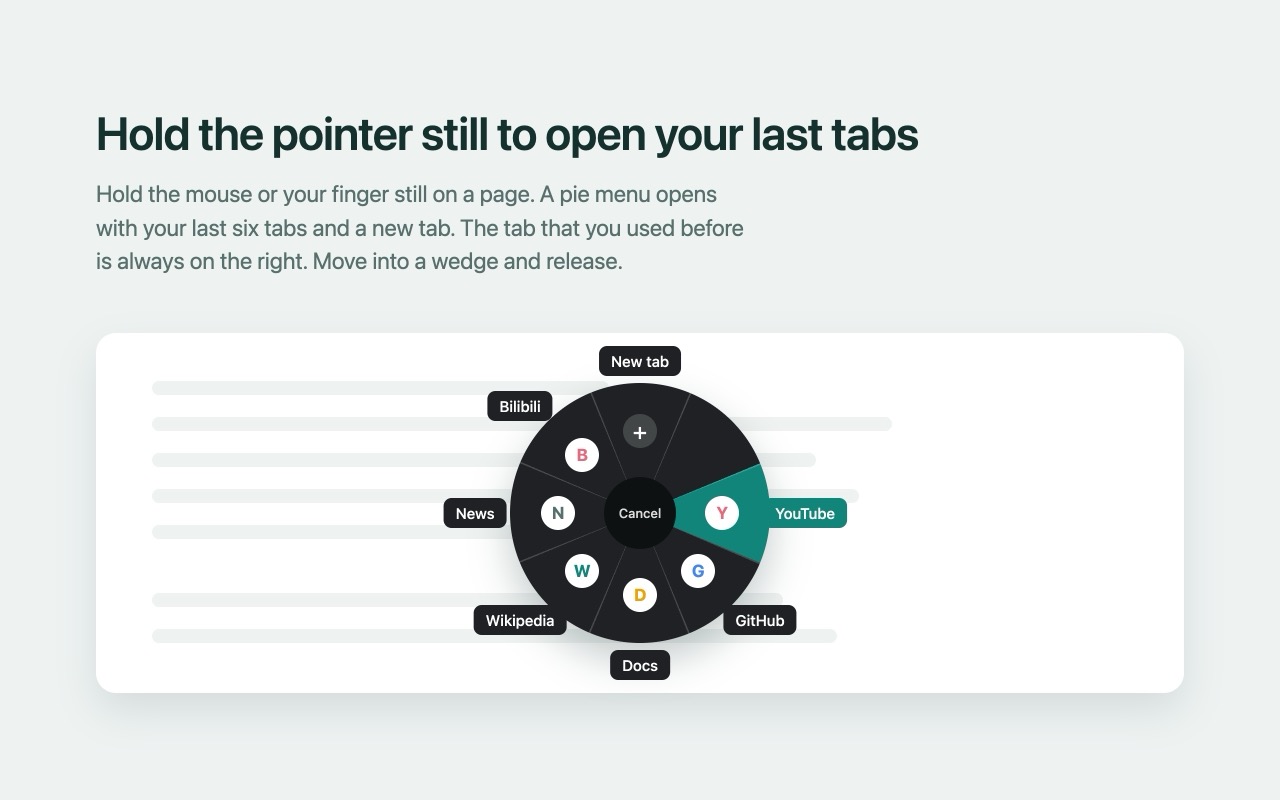
Long-press pie menu
Hold the pointer or your finger still on a page to open a pie menu of your recent tabs. A recently closed tab stays in it for five minutes, or as long as you set.
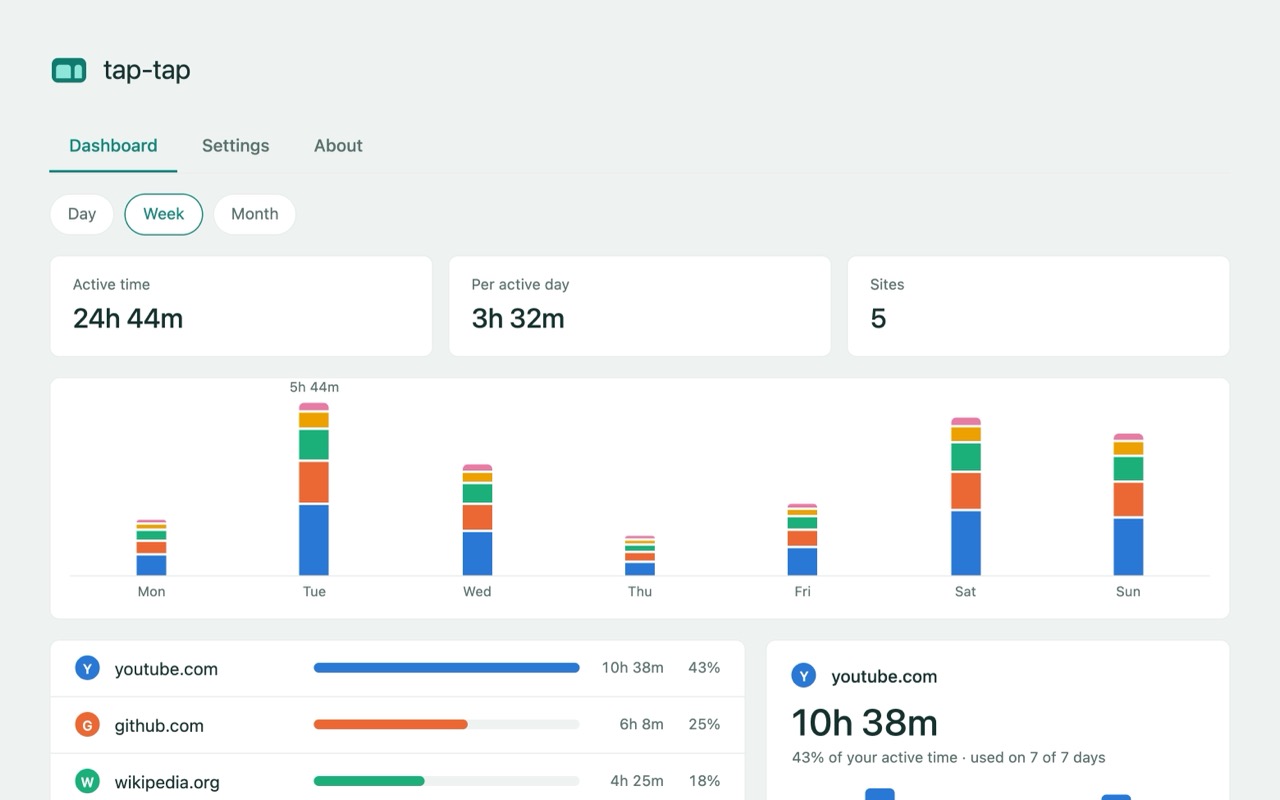
Private usage dashboard
Time per site today, this week and this month, counted only while the tab is in front of you and you are at the computer. You can turn off "Track usage".
What it looks like
What it will not do
- It is not a session manager. It does not back up, sync, or restore your tabs and groups, and it has no read-later list.
- It changes only the groups it made. A group you made yourself is yours: Tap Tap does not rename it, ungroup it, close its tabs, or add new tabs to it.
- A tab you drag out of a group stays out, unless the tab goes to a different site.
- Every setting that closes tabs is off until you turn it on. Even then it never closes pinned tabs, tabs that play sound, or the tab you are looking at.
Privacy in short
- Tap Tap has no developer servers, no analytics, no telemetry, and no third-party code. It makes no network requests of its own.
- Its data is in your browser's extension storage. It sends nothing to the developer or to anyone else.
- Your settings and a small per-site usage summary sync through your own Chrome account, so your devices share them.
- Usage tracking is on by default. You can turn it off with "Track usage" in the settings.
Why it asks for these permissions
- tabs: it reads each tab's address to group by site, and the title for the pie menu.
- tabGroups: to name, colour, collapse, order and merge the groups it makes.
- storage: your settings (and a small usage summary) go in your Chrome sync; the rest stays in local extension storage.
- alarms: to collapse, suspend or close unused tabs on a timer, and to save the usage timer.
- contextMenus: for "Close tabs before/after this tab in the group" and "Close duplicates of this tab."
- idle: so the usage timer stops when you leave the computer.
- favicon: site icons come from Chrome's local cache, not from the network.
- scripting: to put the pie-menu script into pages that were already open when you installed or updated.
- webNavigation: to know which page opened a tab, for the optional tree groups.
- Access to all sites: so the long-press pie menu can run on a page, and so it can take a picture of the tab you are looking at for that menu. The script does not read page text or change the page.
The full account of what it reads and stores is in the privacy policy.
Get Tap Tap
Free, no account, Chrome only. Version 2.5.2, updated 17 November 2026.
Also from Small Chrome Tools: Mark Mark, for bookmarks.