Small Chrome Tools

Small, free Chrome extensions that do one thing well.

Both are free and work in Chrome only.
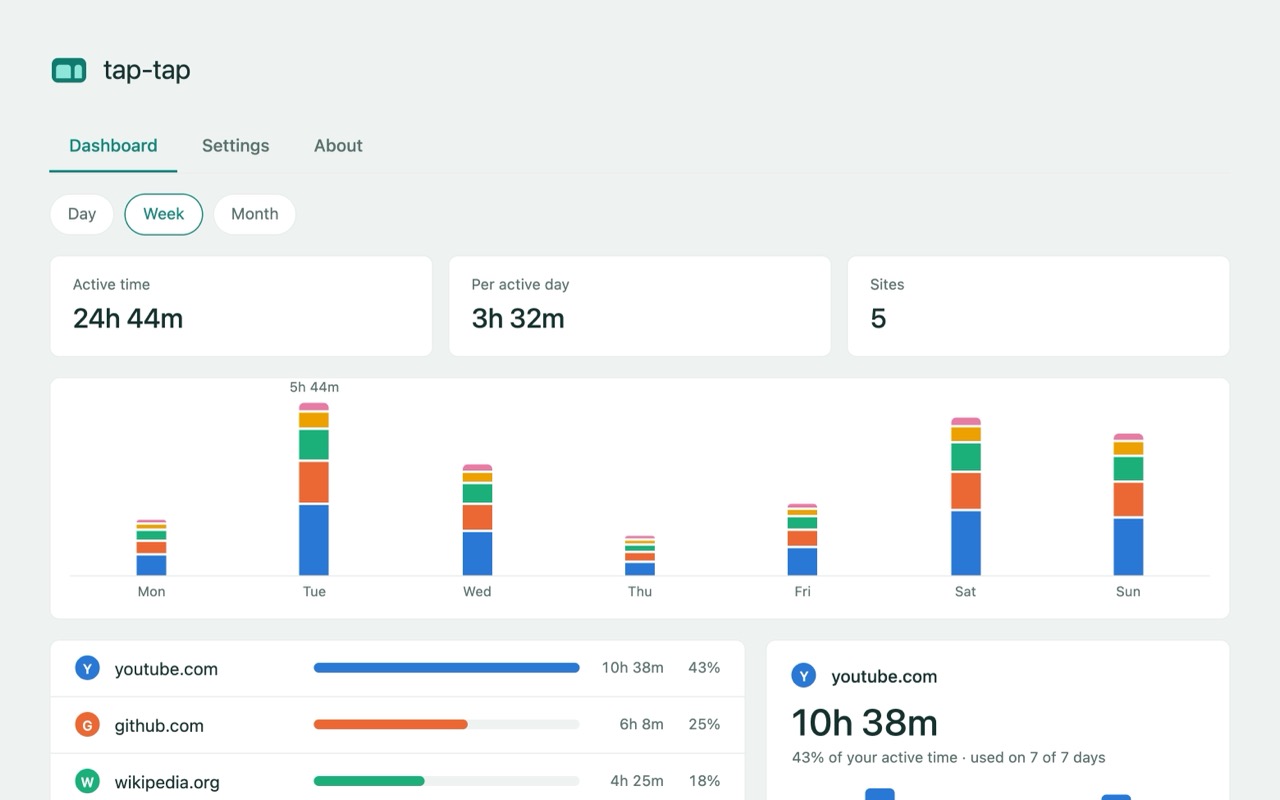
tap-tap usage dashboard on the Week view. Cards show active time, time per active day, and number of sites; a stacked bar chart shows time per day from Monday to Sunday; a list ranks sites such as youtube.com, github.com and wikipedia.org by time, with a detail panel for youtube.com.
The usage dashboard, showing time per site across a week.

tap-tap

Open as many tabs as you like. tap-tap sorts them into one named group per site.

  • Groups tabs by site
  • Long-press pie menu of recent tabs
  • Private per-site usage dashboard

Free, no account, no analytics or telemetry. Chrome only.
See everything tap-tap does →

Watch a short walkthrough

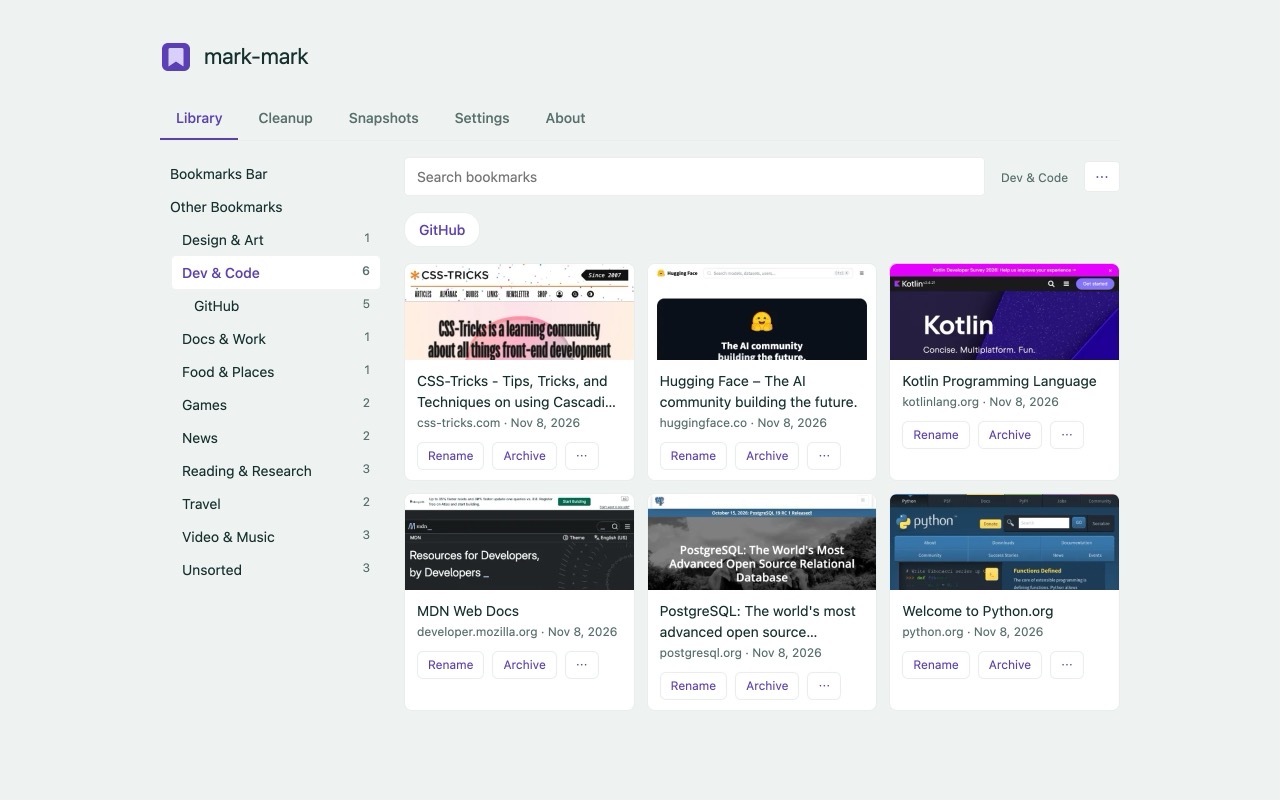
mark-mark Library tab. A sidebar lists topic folders such as Dev & Code, Docs & Work and Travel with counts; the main area shows bookmark cards with page pictures for sites like CSS-Tricks, Hugging Face, Kotlin, MDN, PostgreSQL and Python.org, each with Rename and Archive buttons.
The Library: bookmarks in topic folders, each with a picture of its page.

mark-mark

Save a bookmark the usual way and it comes back with a clear title, in the right topic folder.

  • Files bookmarks into 15 topic folders
  • Visual Library with page pictures
  • Cleanup archives, never deletes

Free, no account, no analytics or telemetry. Chrome only.

See everything mark-mark does →

Watch a short walkthrough